Apple Watch App
Score from your wrist on the screen that suits you, Classic or Court View, and the watch does the rest — three session modes, live heart rate, and everything working offline.
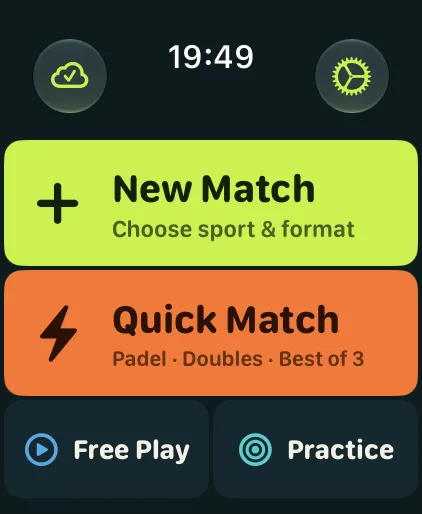
Home menu
Two styles, one tap each
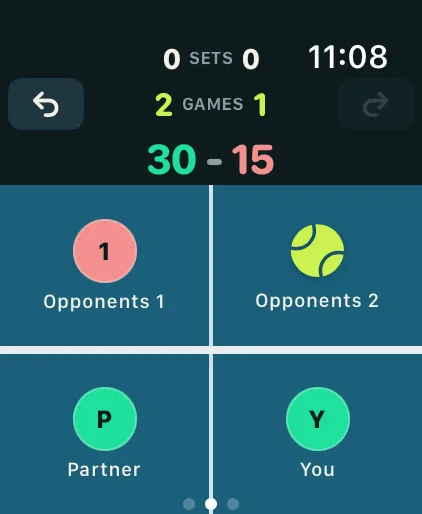
Court View
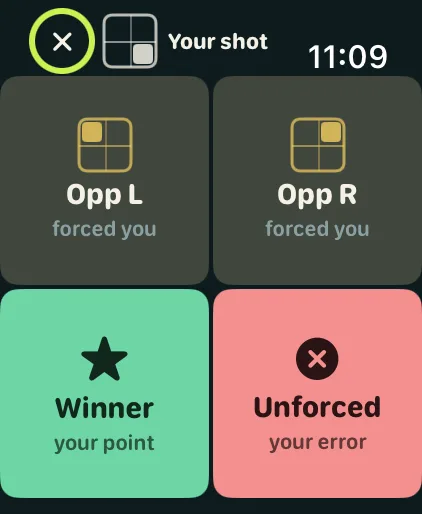
Court View — point outcome
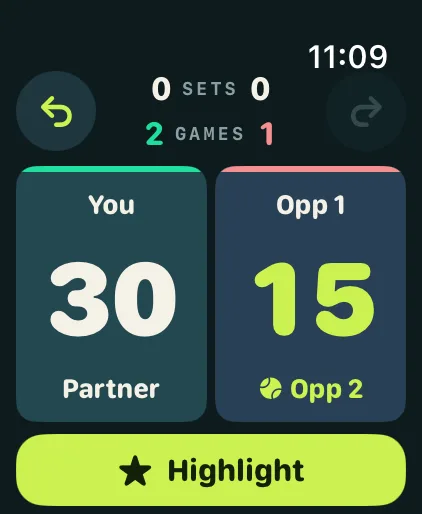
Classic
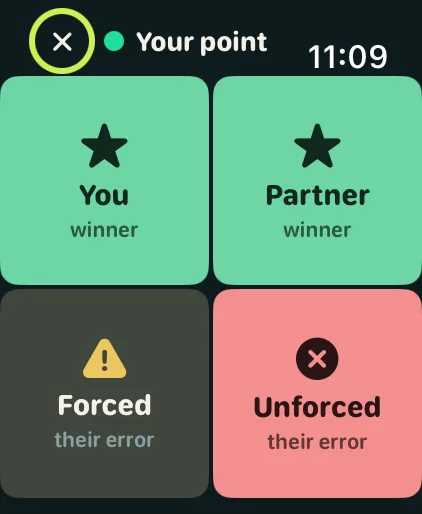
Classic — point outcome
Key Features
- 01
The score is the trigger
Because the watch knows the score, it triggers the rest — no tagging, no thinking about it.
- 02
Two scoring screens
Classic and Court View, so you score the way that reads best to you on court.
- 03
Attribution in one tap
Winner, forced or unforced error, right after the point.
- 04
A tap you can feel
A haptic confirms each point, so your eyes stay on the court.
- 05
Double Tap
Double tap (or double pinch with AssistiveTouch) to save a highlight or score a point for your side, whichever you choose in Settings. Needs watchOS 11; Double Tap works on Apple Watch Series 9, Ultra 2 and later.
- 06
Set break on your wrist
Between sets, a screen sums up where the match stands.
- 07
Heart rate and recovery
Heart rate runs through every session; a cooldown afterwards measures your recovery.
- 08
Fully offline
No iPhone and no signal needed; it syncs when you are back together.
- 09
It follows the serve
Pick the first server and Pelota tracks the doubles rotation game by game.
Explore Other Features
Live Score View
Full-screen scoring on your iPhone: Split Court or Stadium sideways, a focused scoreboard upright, and a full-screen announcement for every moment that matters.
AI Voice Commentary
Hear your match narrated out loud, in the style you choose: Analyst, Broadcaster or Statistician.
Video Highlights
Prop your iPhone anywhere with a view of the court, ideally the back glass: the point that takes each set and the one that takes the match are saved as clips whichever way they go, along with every golden point and every break point you convert.
Analytics & Insights
Game-by-game breakdowns, serve patterns, winners against errors, momentum, and one Performance Score per match.