Live Score View
Your iPhone becomes the scoreboard. Every turning point floods the screen in its own colour, with a headline, what's at stake and the score.
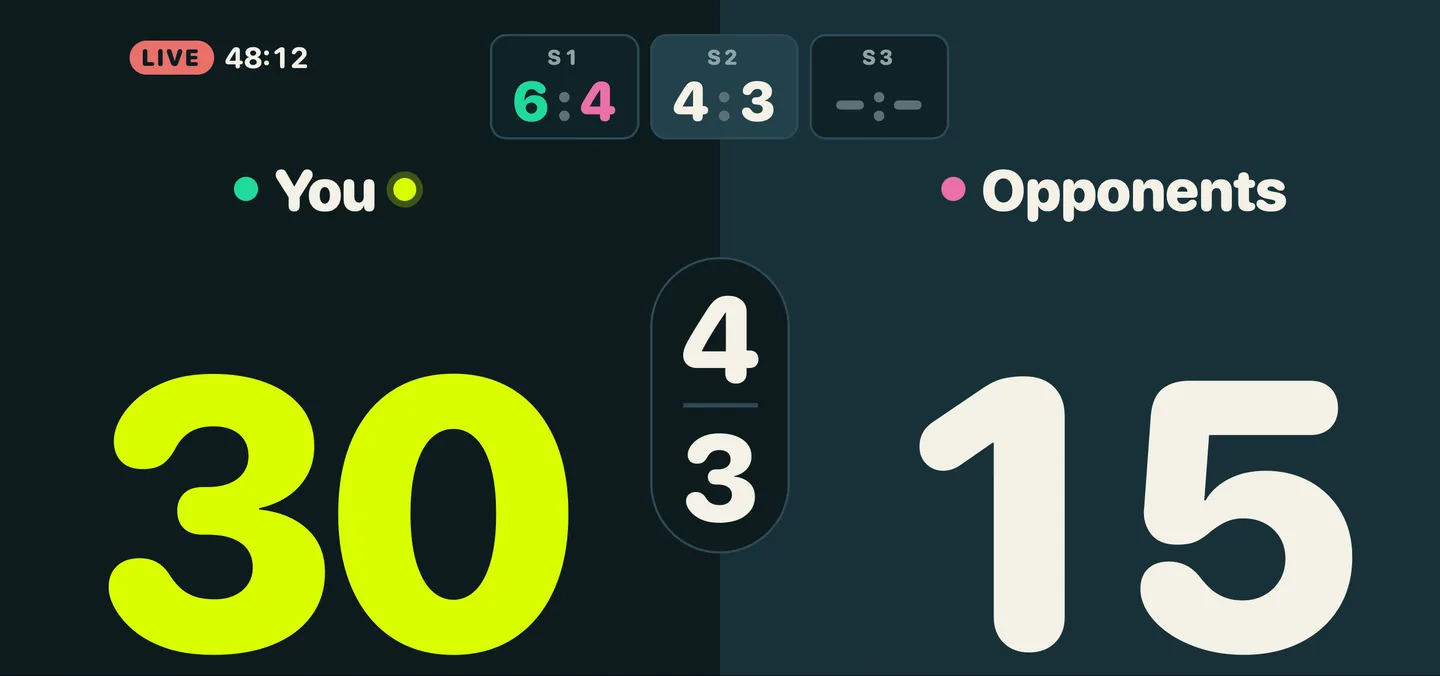
Split Court
Seven moments, seven colours
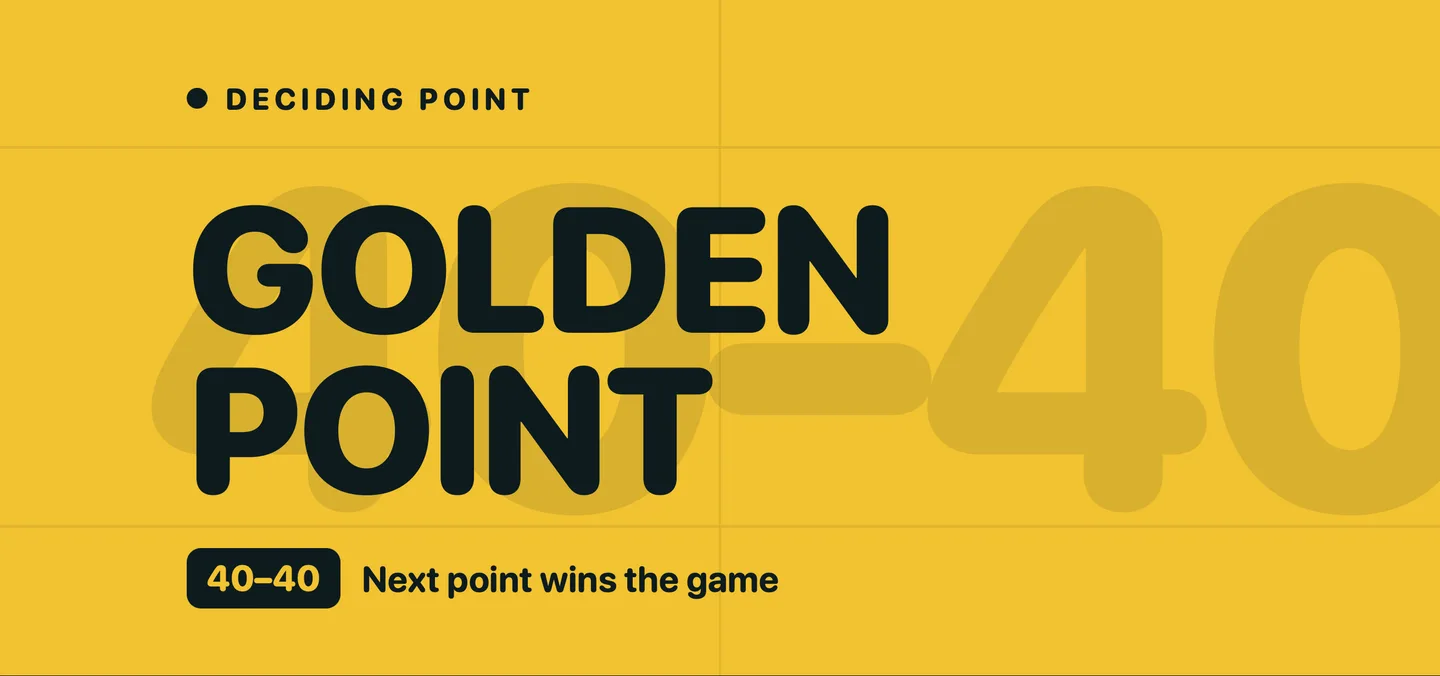
Golden Point
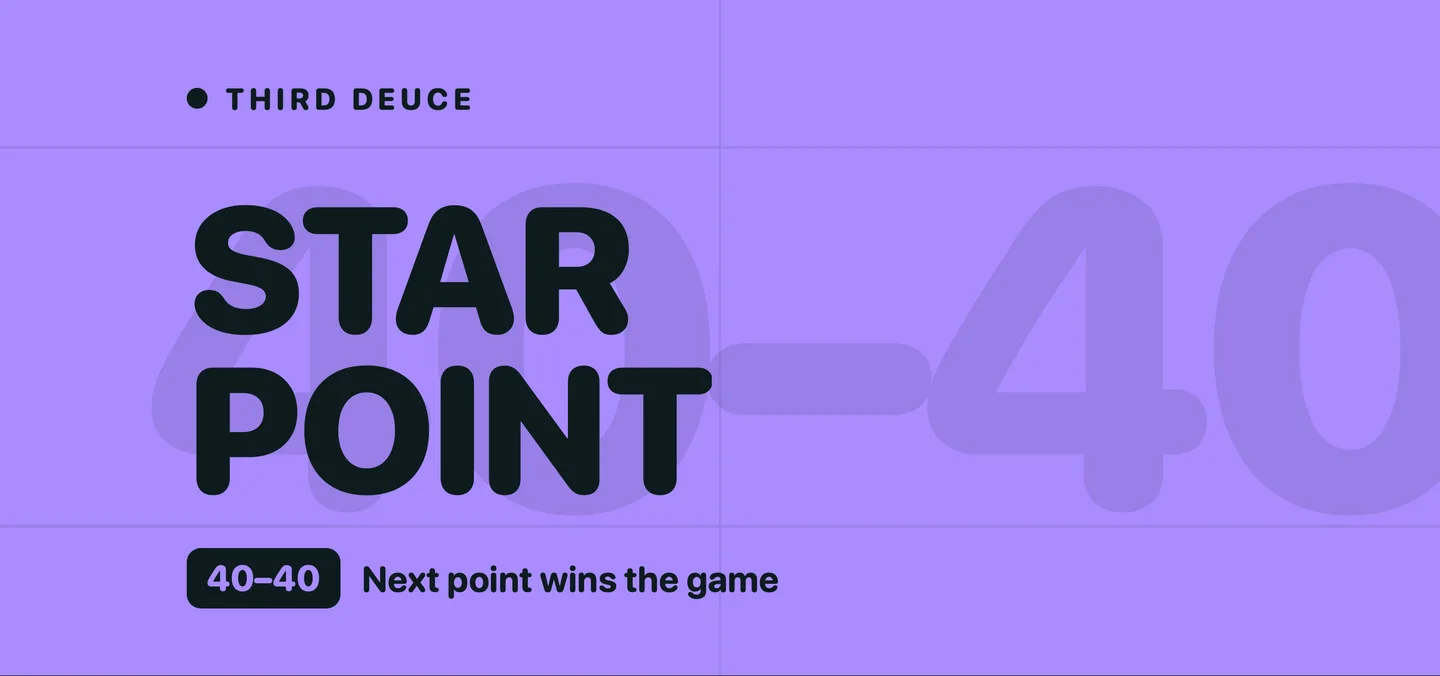
Star Point
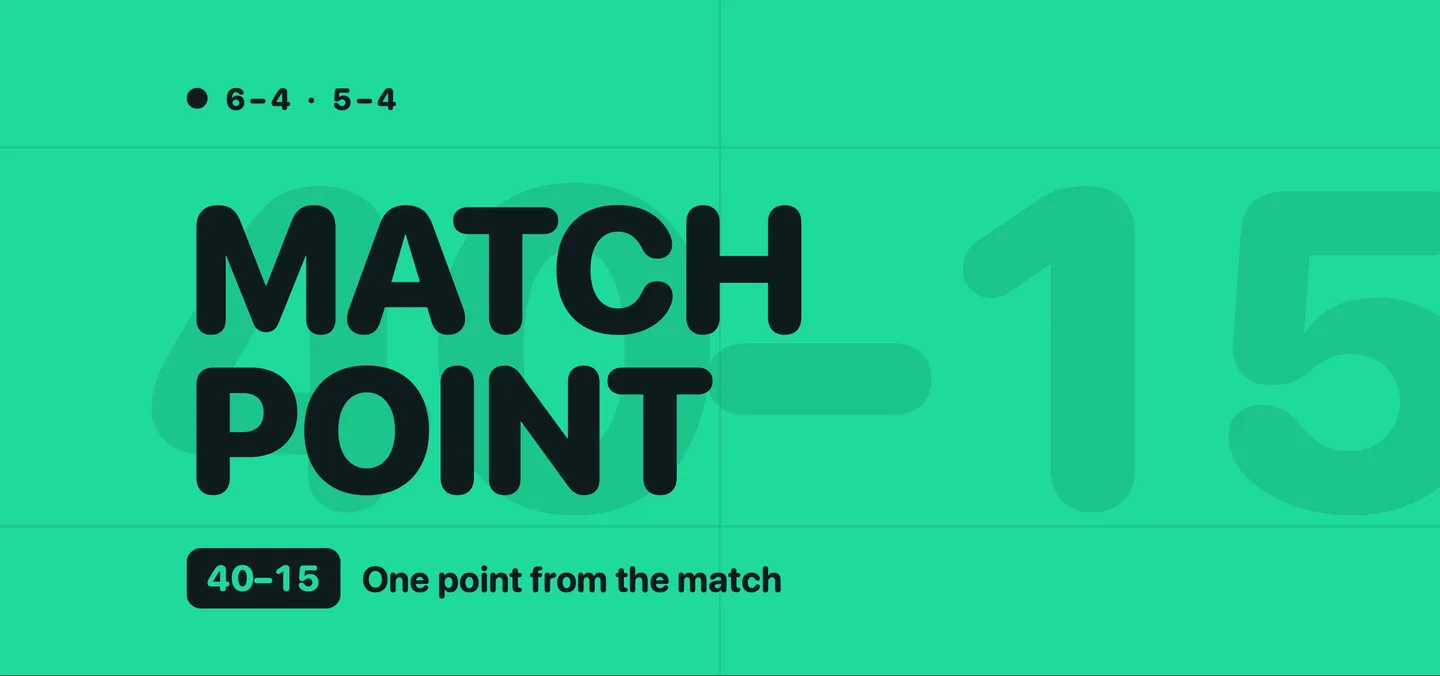
Match Point
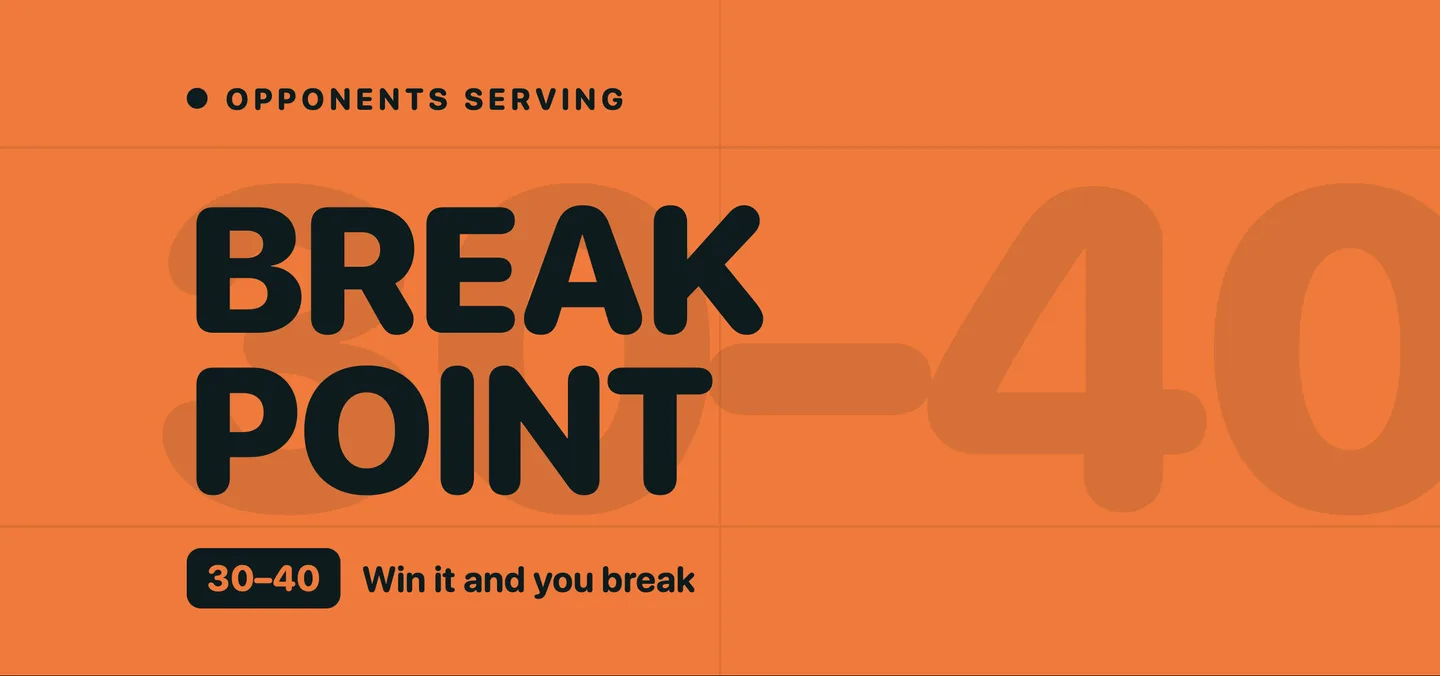
Break Point
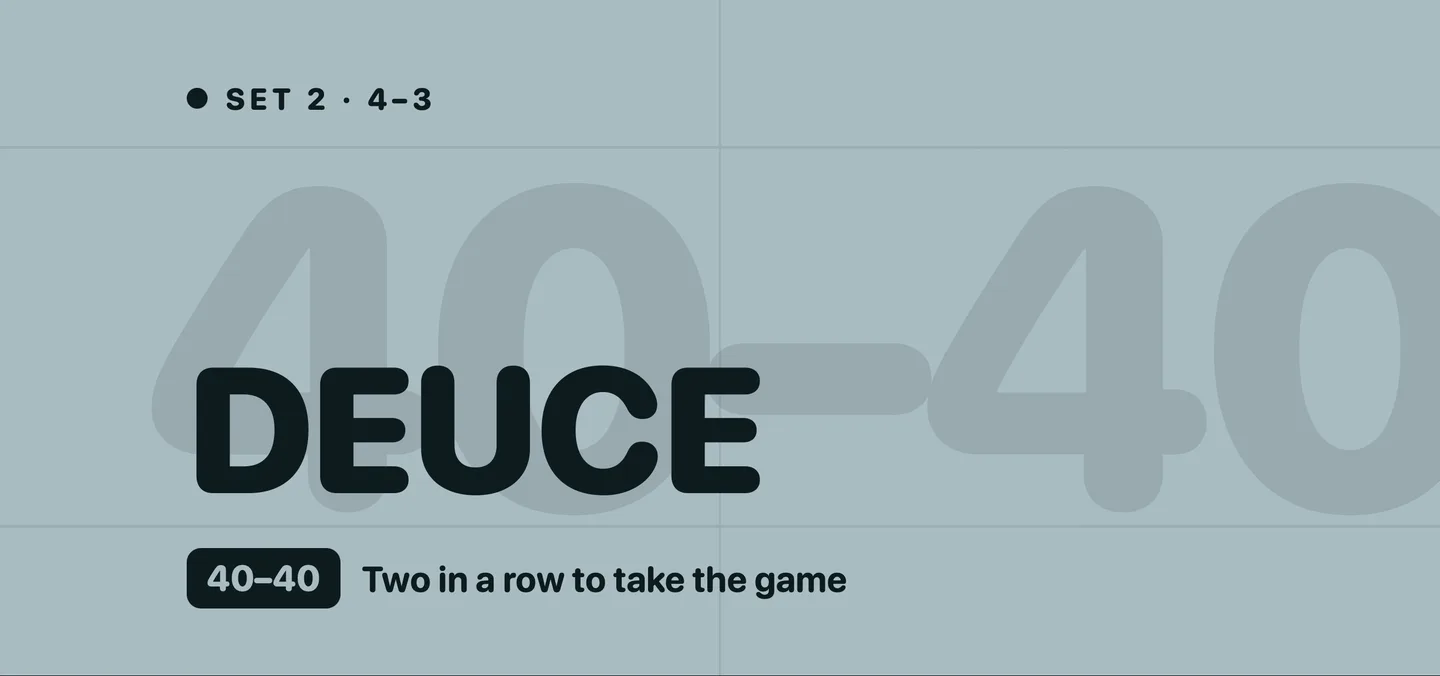
Deuce
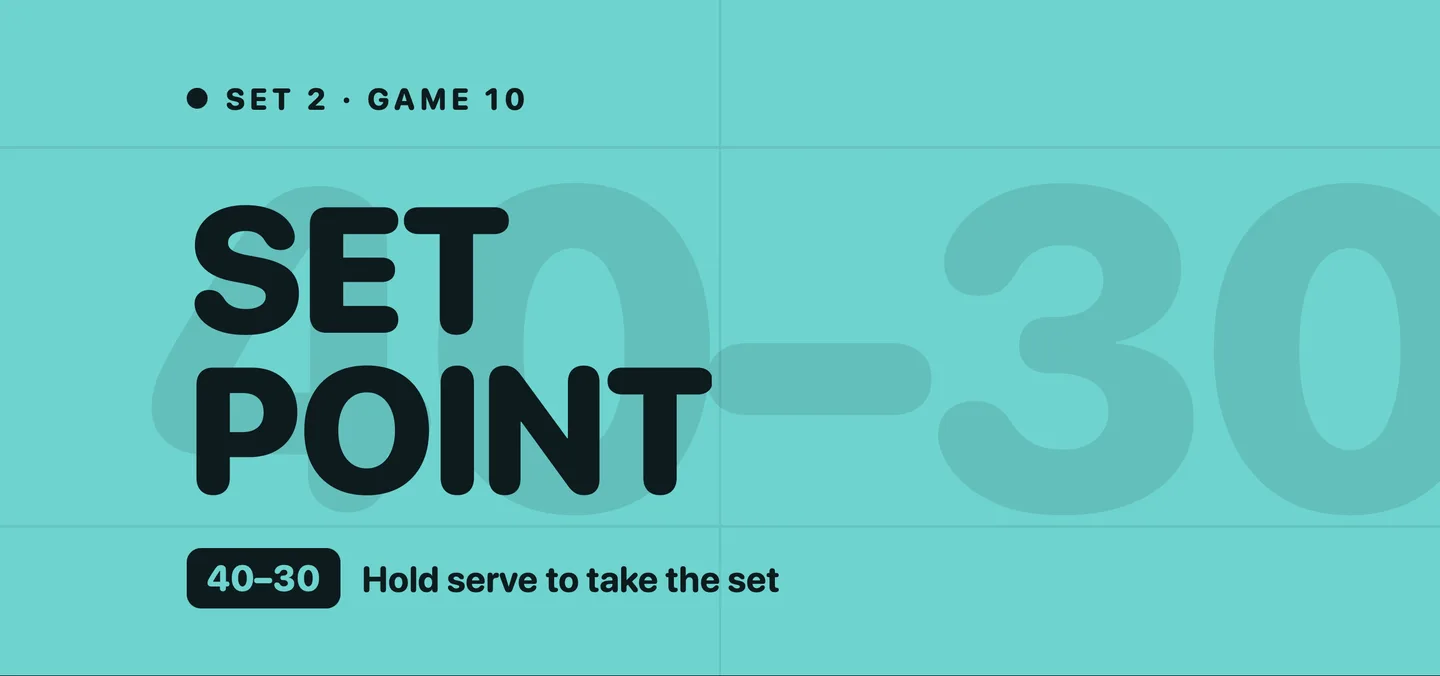
Set Point
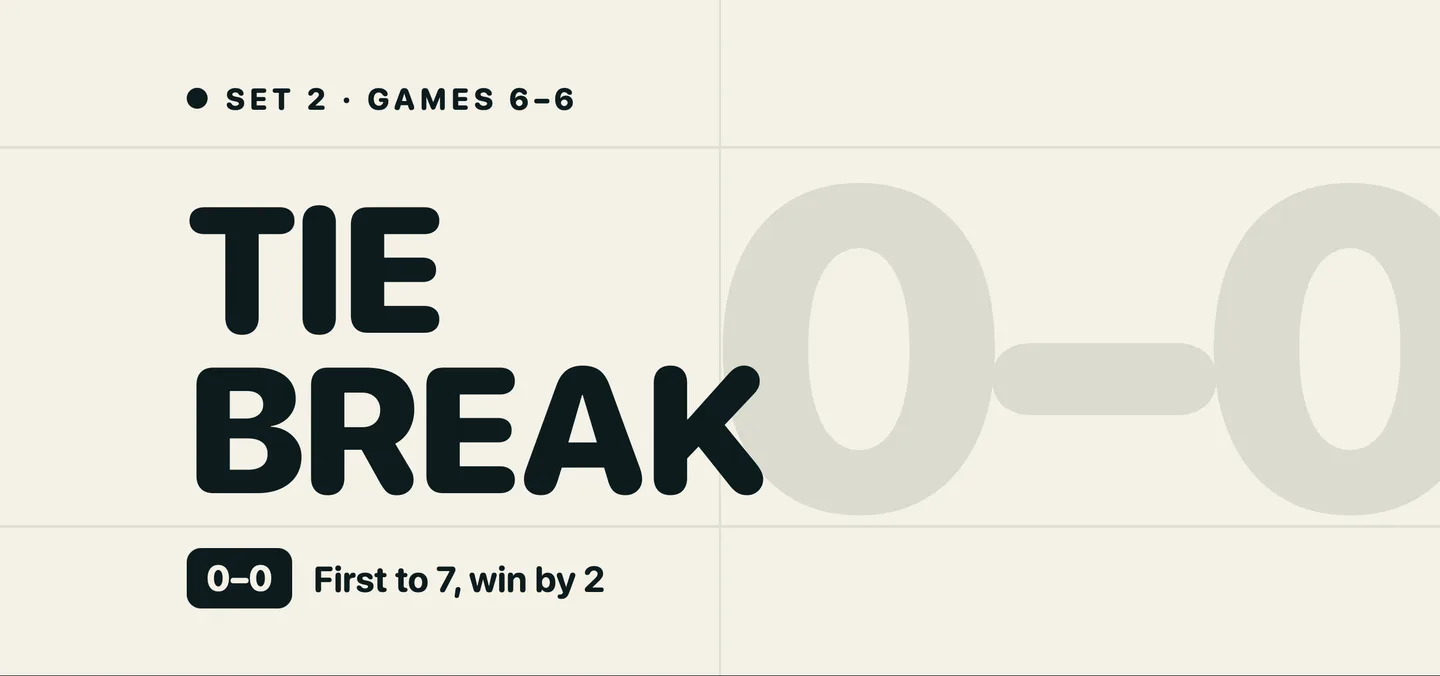
Tiebreak
Key Features
- 01
Readable from the baseline
Full-screen scores, sized to read from across the court.
- 02
An overlay for each moment
Golden point, star point, match point, break point, deuce, set point, tiebreak.
- 03
Two scoreboards
Split Court by default. Stadium Board lays out every set in columns.
- 04
Feel it on your wrist
A haptic tap confirms each change of game state.
- 05
Portrait or landscape
Upright for scoring, sideways for spectators.
Upright, it is still the scoreboard
Hold the phone the normal way and the Split Court board stacks: your side on top, theirs below, the games on the seam. The announcements follow you into portrait — the same seven, the same colours, set for a tall screen.
- Live48:12S16:4S24:3S3–:–You4043Opponents30
- Deciding pointGolden Point40–40Next point wins the game
- Third deuceStar Point40–40Next point wins the game
- 6–4 · 5–4Match Point40–15One point from the match
- Opponents servingBreak Point30–40Win it and you break
- Set 2 · 4–3Deuce40–40Two in a row to take the game
- Set 2 · Game 10Set Point40–30Hold serve to take the set
- Set 2 · Games 6–6Tie Break0–0First to 7, win by 2
Explore Other Features
Apple Watch App
Score from your wrist on the screen that suits you, Classic or Court View, and the watch does the rest — three session modes, live heart rate, and everything working offline.
AI Voice Commentary
Hear your match narrated out loud, in the style you choose: Analyst, Broadcaster or Statistician.
Video Highlights
Prop your iPhone anywhere with a view of the court, ideally the back glass: the point that takes each set and the one that takes the match are saved as clips whichever way they go, along with every golden point and every break point you convert.
Analytics & Insights
Game-by-game breakdowns, serve patterns, winners against errors, momentum, and one Performance Score per match.